Building napkin - a memory system for agents
npm install -g napkin-ai
pi install npm:napkin-ai
Source: github.com/Michaelliv/napkin
I’ve been avoiding this for a while now (years in LLM time).
I have a long history with information retrieval, about a decade of building search systems. I knew that building a memory system for agents would be a rabbit hole. The kind where you look up three weeks later and you’ve built a search engine.
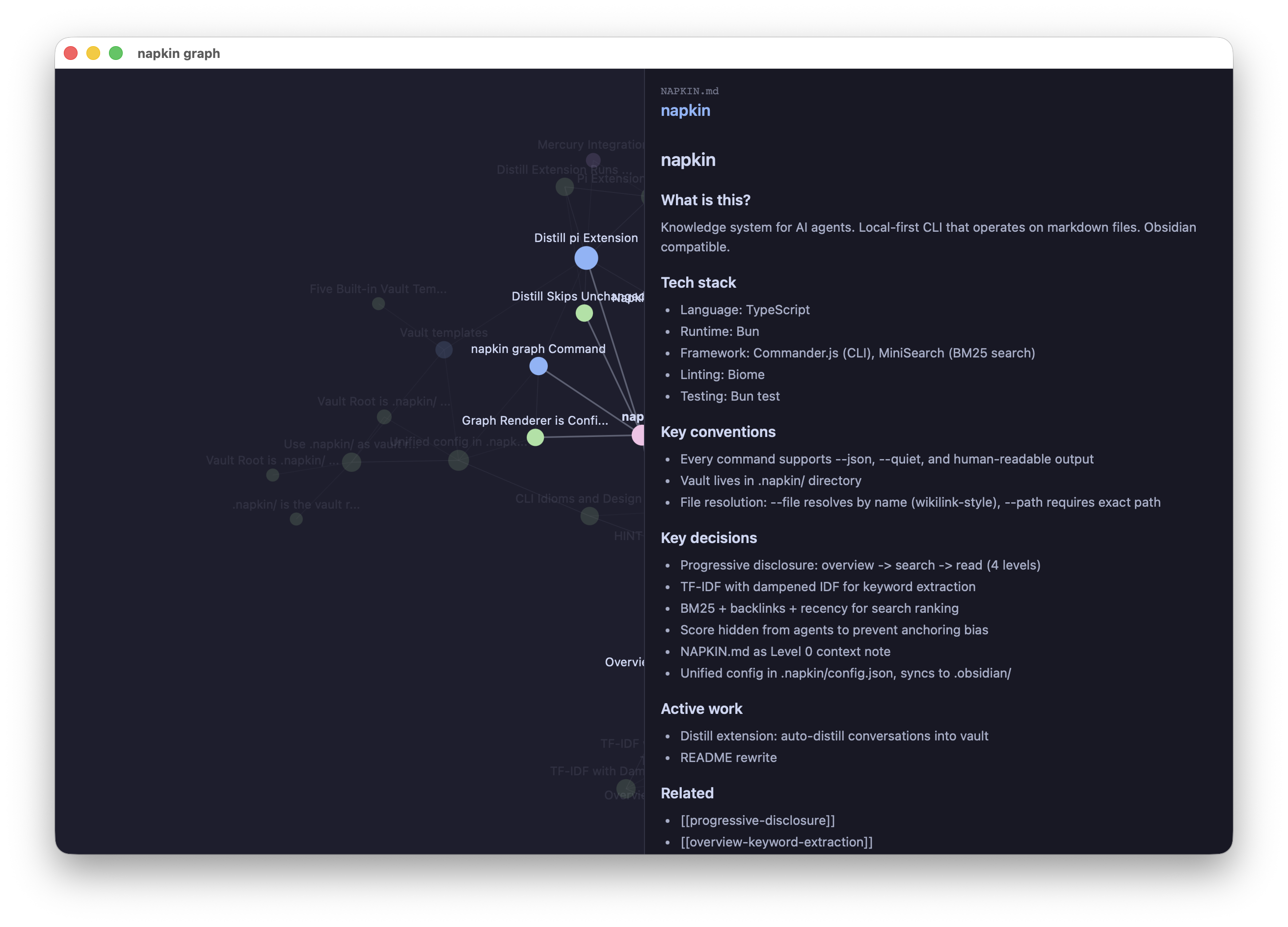
Well, I fell in. And I built napkin - a local-first memory system for agents that operates on markdown files, is Obsidian-compatible, and avoids vector search entirely.
The anti-RAG bet
I’ve written about why RAG pipelines suck. The core argument is that you have a model that understands semantics, and you bolt on a smaller, dumber model to pre-filter information before the smart one ever sees it. The embedding model makes the retrieval decisions. That’s backwards.
Vector search solves a real problem though. The model doesn’t know the taxonomy of the corpus. It doesn’t know what’s in the knowledge base. Embeddings bridge that gap with semantic similarity, the model describes what it wants, the vector store finds what’s close.
But that bridge costs you a data pipeline. Chunking strategies, embedding model selection, backfills on every change. And the retrieval decisions are made by the wrong model.
napkin takes a different approach entirely, instead of vector similarity, give the big model a map of the knowledge base and let it navigate. No embeddings. No pipeline. Four levels of progressive disclosure.
The four levels
Level 0 - Pinned context
A small note called NAPKIN.md that loads on every session. Project goals, conventions, key decisions. Under 500 tokens. Think CLAUDE.md but for the knowledge base.
Level 1 - The keyword map
This is the key idea. On every session, the agent sees a generated overview of the entire vault, folder structure with TF-IDF extracted keywords per folder:
architecture/
  keywords: overview, dependencies, design, vault, napkin, keyword
  notes: 9
decisions/
  keywords: decision, context, consequences, vault, napkin, root
  notes: 27
Templates/
  keywords: title, decision, changed, fixed, prerequisites, dependencies
  notes: 4
This is what replaces vector search. The model sees the taxonomy. It sees what each folder is about. It knows the vocabulary of the corpus. It can now make an informed decision about where to look, and it does this with its full reasoning capability, not with cosine similarity from a smaller model.
The keywords come from a weighted TF-IDF pipeline, headings get 3x weight, filenames 2x, body text 1x. Terms that appear everywhere get suppressed. What surfaces are the words that are distinctive to each folder. The model gets a compressed, high-signal orientation of the entire knowledge base.
Level 2 - Search with snippets
BM25 ranked search with backlink scoring (think PageRank for your markdown) and recency. Returns match-only lines by default, no surrounding context, because we dont want to confuse the model by overflowing it with information.
Scores are hidden from the output. If an agent sees score: 9.5 vs score: 2.3, it anchors on the numbers instead of judging relevance from the snippets. The score drives ordering, the agent just doesn’t see it. This is designing for model psychology, not human psychology.
Level 3 - Read
Full file content. napkin read <file>. The agent arrives here by choice, after navigating L0 through L2.
Each level’s output includes hints that teach the agent how to go deeper: overview hints toward search, search hints toward read. Progressive disclosure of the workflow itself.
Schema-led knowledge generation
Without structure, agents freestyle. Ask a model to “capture what’s important from this conversation” and you get inconsistent, unlinkable, unsearchable notes. Every extraction looks different. There’s no taxonomy, no consistent frontmatter, no predictable file paths.
Alex Shereshevsky’s work on literary knowledge graphs demonstrates this beautifully. He used GPT-4o with domain-specific schemas to extract knowledge graphs from literature, The Iliad got entity types like HERO, DEITY, ARMY with relations like KILLS, FAVORS, COMMANDS. Crime and Punishment got PROTAGONIST, PSYCHOLOGICAL_STATE, IDEA. Same pipeline, different schema, radically different output. The schema tells the model what to look for.
napkin applies the same principle. It ships with templates - a coding project template creates decisions/, architecture/, guides/, changelog/ with frontmatter schemas like status: proposed on decisions. A research template creates papers/, concepts/, questions/, experiments/. A personal template creates people/, projects/, areas/, daily/.
The templates serve double duty. They scaffold the vault structure on init, and they guide the distillation model on what to extract from conversations. The schema defines the taxonomy. The model fills it in.
Obsidian as format
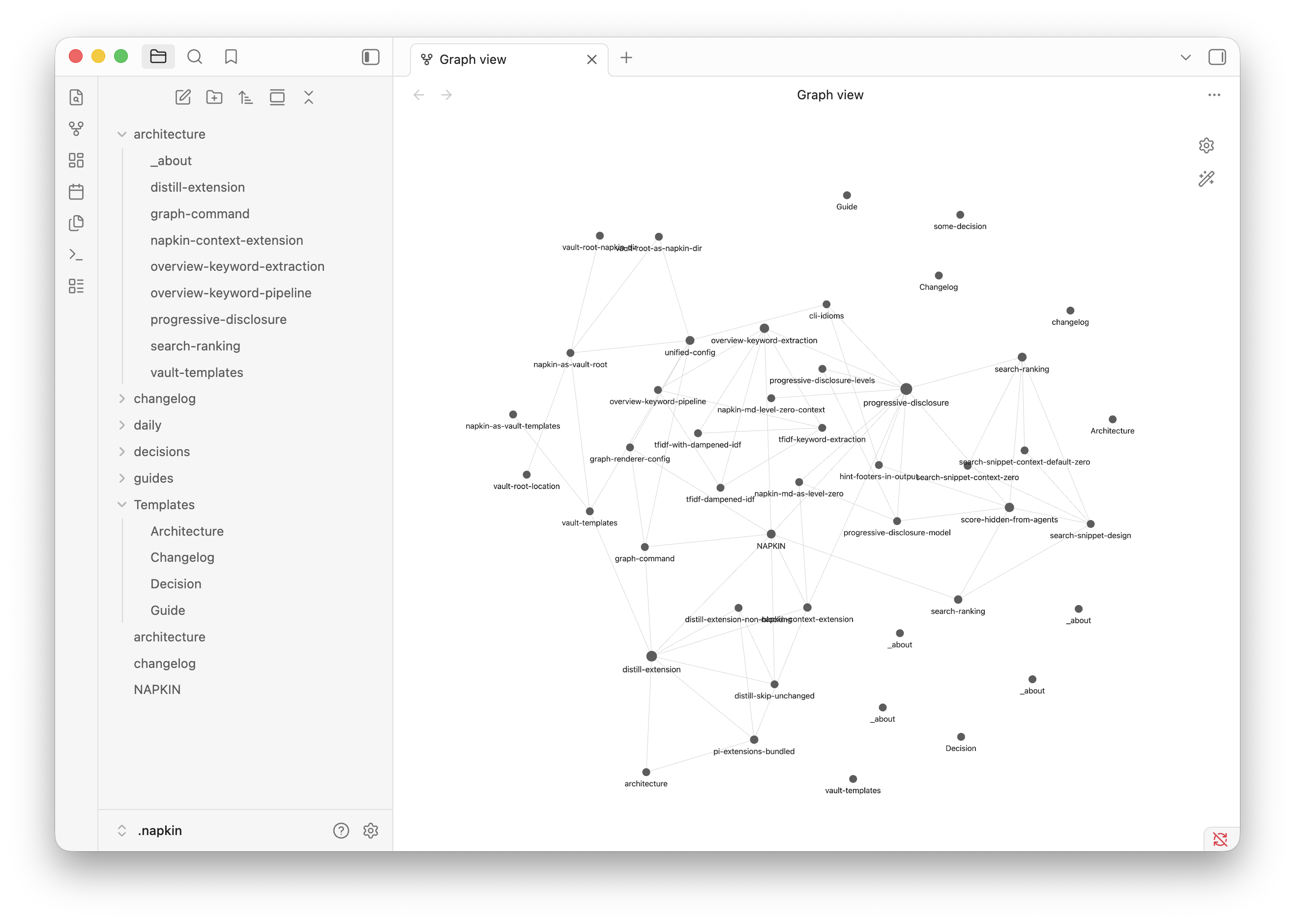
.napkin/ is an Obsidian vault. napkin creates it, operates on it, and keeps it compatible - but never requires Obsidian to be installed. It’s a format choice, not a dependency. You get wiki-style links, frontmatter, folder structure, and the entire Obsidian ecosystem for free. Open the same vault in Obsidian if you want a GUI. Or don’t, napkin is the agentic CLI.
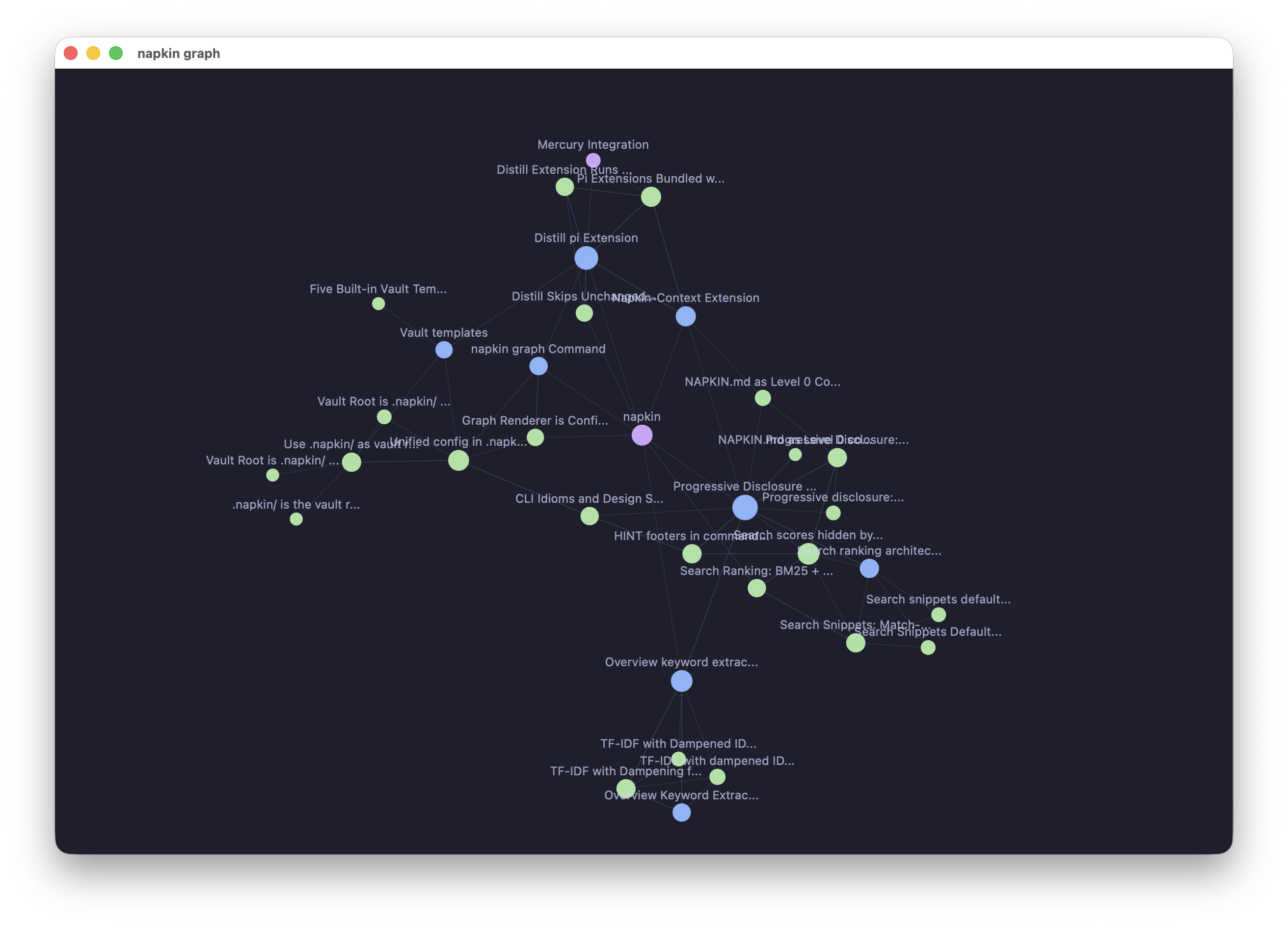
napkin also renders the vault’s link graph in a native window via Glimpse. Agents first, but humans deserve a view too.
Auto-distillation
The functionality I wanted from a memory system: one that watches your conversations and automatically captures knowledge. Not a manual “save this” workflow. Background distillation that runs on a timer.
The distill extension gets the full conversation the user is having with the agent, then runs a dedicated prompt that explores the existing knowledge base, finds relevant information, and links to it. It doesn’t just dump notes into a folder, it connects new knowledge to what’s already there, using the vault’s templates as the output format.
Manually, you can trigger it with a /distill command. But the point is that you shouldn’t have to. The system captures knowledge as a side effect of working.
Pi as platform
I built napkin for pi first because pi’s extension system made the hard parts easy. Context injection on session start, the overview loads automatically at the beginning of every conversation. Background distillation runs as a timer in a pi extension. The graph visualization opens a native window through Glimpse.
Three capabilities, context injection, background processing, tool registration , and the memory system just works. napkin is the CLI tool. Pi is why it works as a system.
What this is really about
Memory systems are a use case of question answering and information gathering. The model needs to find what the user cares about, fast, without drowning in irrelevant context.
napkin gives the model a shortcut. A keyword map instead of vector search. Templates instead of freeform extraction. Progressive disclosure instead of context stuffing. Hidden scores instead of numeric anchoring. Hints instead of documentation.
I built napkin for pi first, but it’s already the knowledge engine for Mercury too, my personal claw implementation. The @mercuryai/knowledge extension installs napkin in the agent container and runs hourly distillation on conversations. Same vault format, same progressive disclosure, also built on pi but with custom orchestration for chat platforms.
Every decision trades generality for precision. napkin doesn’t try to work for every corpus on earth. It works for the things you care about, your projects, your decisions, your people, your knowledge, and it makes the right tradeoffs to keep that fast and high quality.